

Appearance
Getting Started
Installation
- Visit the Shopify App Store and search for "Dropify"
- Click Add app and follow the installation prompts
- Authorise the app to access your store
Prerequisites
Dropify® works with any Shopify theme that includes a standard layout/theme.liquid file. All modern Shopify themes include this file by default, so compatibility is universal.
Activation
After installation, you'll be automatically redirected to billing:
- Review and accept the usage-based pricing terms
- Click Approve on the initial screen
- You'll be redirected to the Dropify® Dashboard to begin setup
Deactivate Native Protection
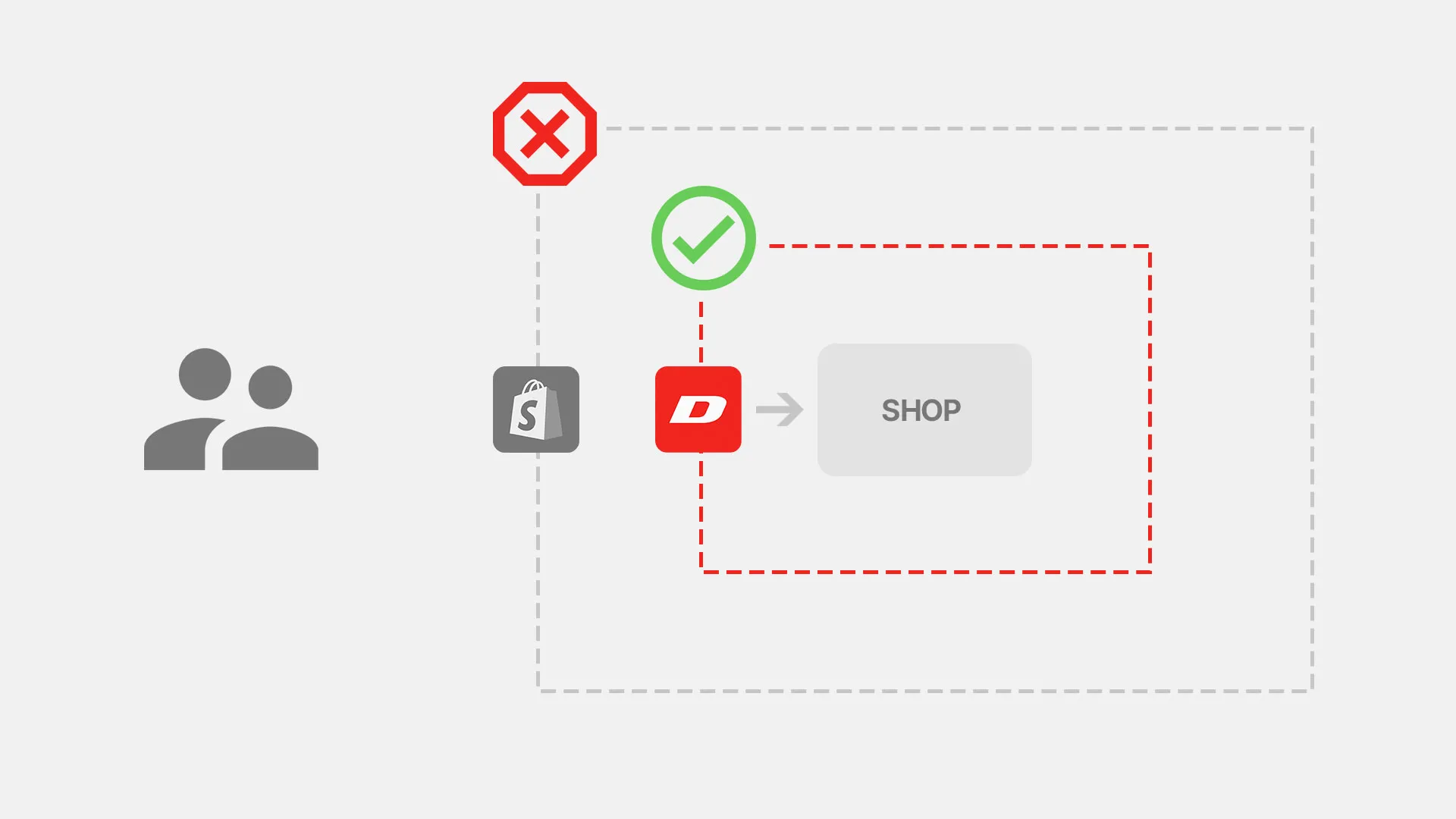
When you land on the app Dashboard, if you have Shopify's native password protection enabled you will see a notice asking you to disable it.
You need to do this for Dropify® to work properly.
DANGER
This is a critical conflict which causes double gating, to resolve it you need to:
- enable Dropify®
- disable Shopify's native password protection